
 For iPhone and iPad
Book Scanner
책장을 찍으면 전자책이 됩니다
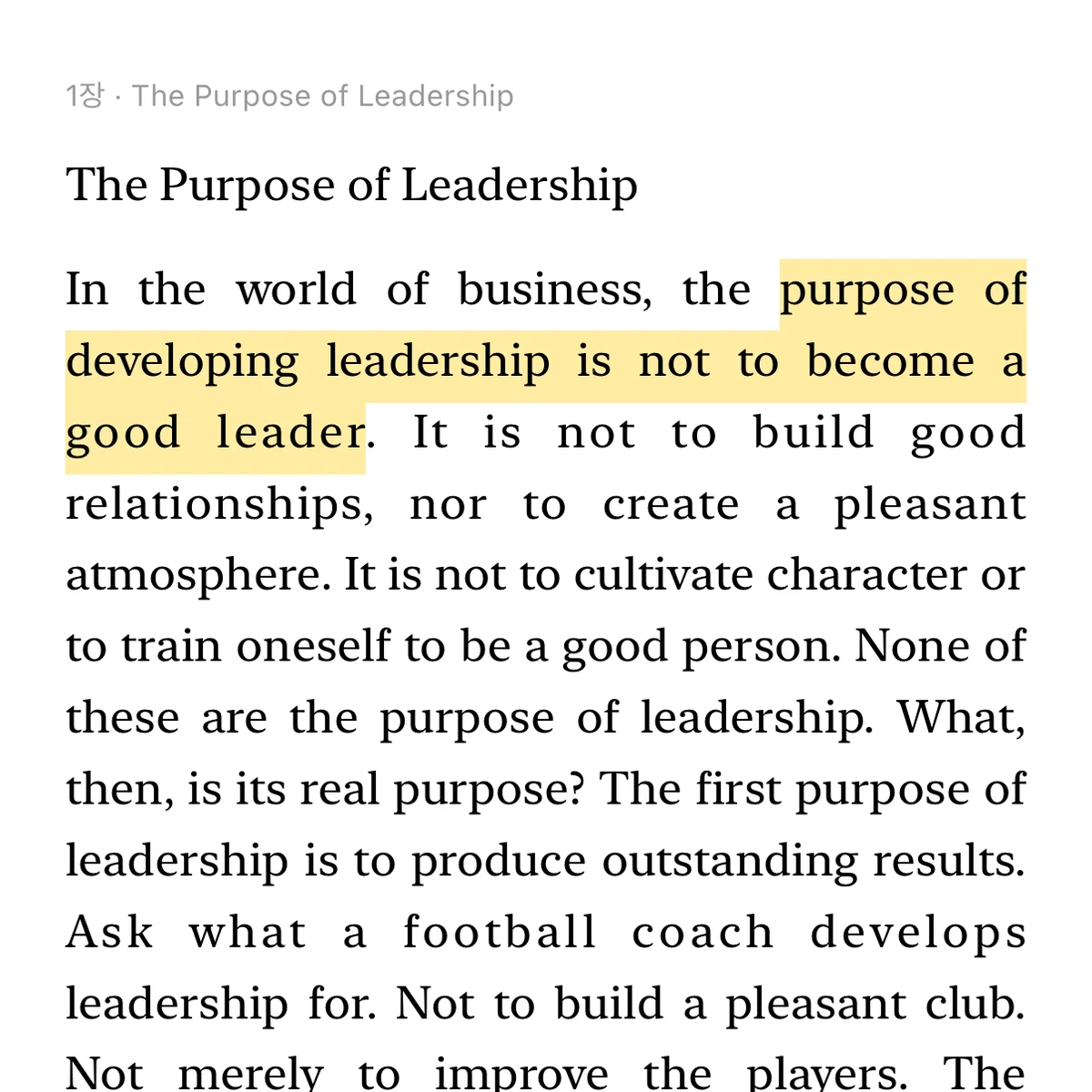
Point the camera at a page and read it as text. Scanned pages flow into chapters you can read like an e-book, highlight, and export to PDF. Recognition runs on the device.
How it works
Point, tap, read
Point at a page
Open a new book and hold the phone over the page. The frame turns green when text is found.
Tap, or let Auto Scan do it
One tap captures the page as text. With Pro's Auto Scan, just turn pages; each one is added when it settles.
Read it like an e-book
Pick your type size, theme and spacing. Your place is remembered, and highlights follow you across devices.
Features
Text you can read, not photos you have to zoom
Made for the books on your shelf: textbooks, novels, the one chapter you keep coming back to.
Scan, don't photograph
A guide frame shows what will be captured. Tap once and the page's text is recognized on the device and added to the book — no photo to squint at later.
Reads like a book
Pages flow into chapters, paragraphs continue across page breaks, and running heads and page numbers are left out. Turn pages like a printed book, with a two-page spread on iPad.
Highlights and notes
Long-press a sentence to highlight it, tap it to add a note. Every highlight is listed in the book's index and jumps you back to the passage.
Private by design
No account, no server, no analytics. Text recognition happens on your iPhone or iPad; nothing you scan is uploaded.
Your library, on every device
Books, pages, highlights and reading progress sync through your own iCloud. Turn sync off and everything stays on one device.
Export to PDF
Share a scanned book as a clean text PDF, highlights included, from the book's page. (Pro)
Free and Pro
Ten pages per book are free. Pro is a one-time purchase.
Scan as many books as you like. Pro removes the page limit and adds Auto Scan, PDF export and text editing — bought once, yours forever.
| Free | Pro | |
|---|---|---|
| Books | Unlimited | Unlimited |
| Pages per book | 10 | Unlimited |
| E-book reader, highlights, notes | ✓ | ✓ |
| iCloud sync | ✓ | ✓ |
| Auto Scan | — | ✓ |
| PDF export | — | ✓ |
| Edit recognized text | — | ✓ |
No subscription. Restore the purchase on a new device from Settings.
The book on your desk, readable on your phone
For iPhone and iPad. English and Korean interface; recognition in every language your device supports, chosen per book.