

Layerz Canvas
Design, animate, record, export — in one canvas
A vector design tool for Mac that turns a design into a promo video without leaving the document. Draw it, keyframe it, record your screen with automatic zoom, and export stills, video or Lottie.
macOS 15 Sequoia or later · Free to design
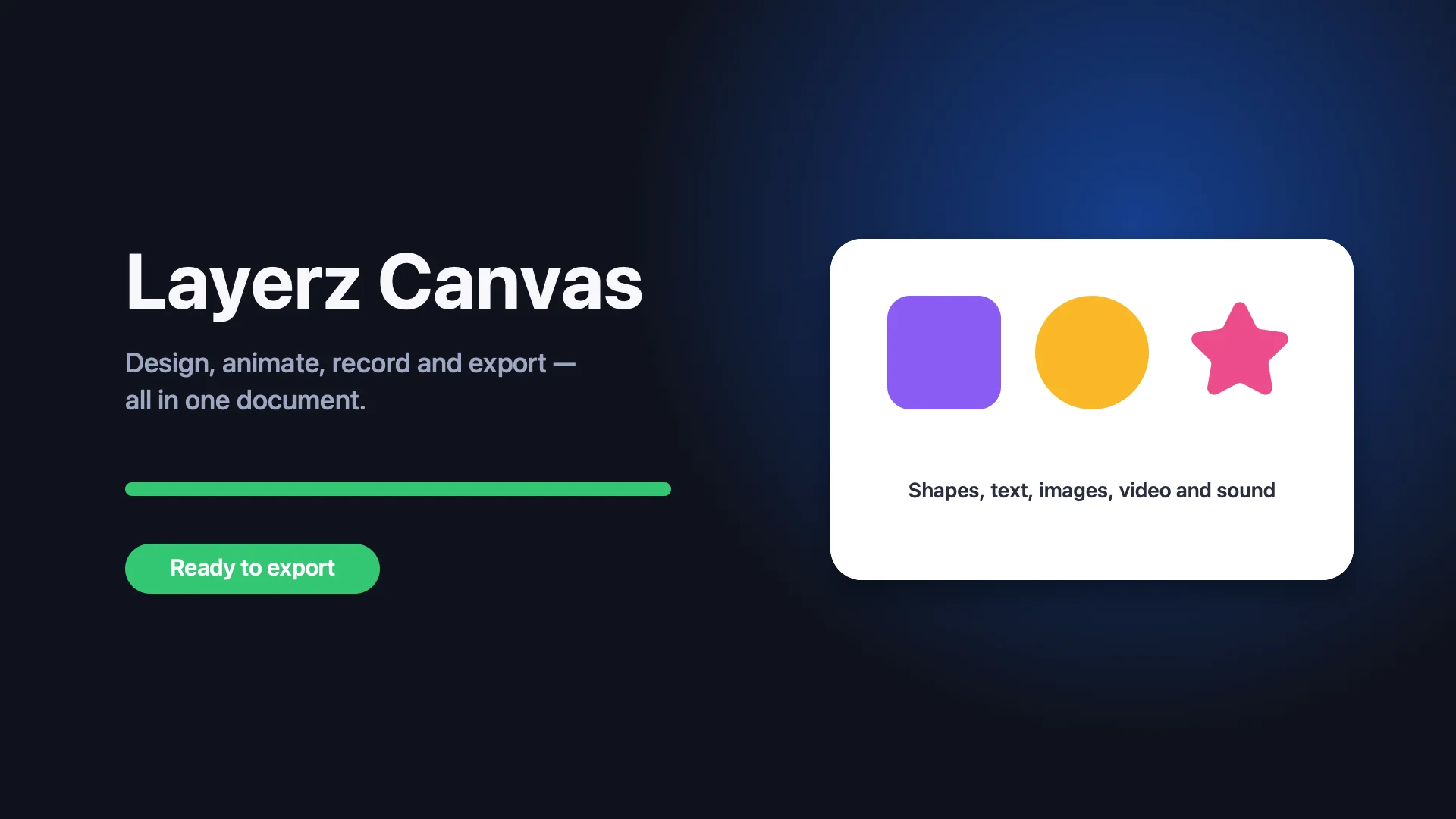
One document, start to finish
The design and the video are the same file
No exporting frames to another app. Every shape you draw is already a layer on the timeline, and every recording is already a clip on the canvas.
Design
Pick a tool and draw. Frames group and clip, the inspector edits fill, stroke, effects, text and layout.
Animate
Turn on the timeline and change anything. Layers can appear and disappear; easing makes it feel right.
Record
Capture your screen. The recording lands on the canvas as a clip with the zooms already keyframed.
Export
Stills for the App Store, video for social, Lottie for the app itself — from the same document.
Motion
Keyframes are recorded for you
Move the playhead and change anything — position, size, colour, opacity, text. Layerz Canvas captures the pose as a keyframe. Pick an easing preset or draw your own curve, and let layers appear and disappear on the timeline.
- Per-property tracks with an easing graph
- Video clips with trim, split, loop and per-clip volume
- Sound layers with fade in and out
Features
A design tool, a motion tool and a screen recorder — without the seams
Vector design, the way you already work
Rectangles, ellipses, polygons, pen paths and text. Frames that clip, groups, Figma-style constraints, masks, gradients, shadows, blur and more.
Keyframes on anything
Move the playhead, change a property, and the keyframe is recorded. Position, size, colour, opacity, rotation, text, effects — with easing presets and a bezier curve editor.
Screen recording with auto-zoom
Record a display, a window or an area. Every click becomes a smooth zoom inside a clipping frame, so the camera follows what you're showing.
Video, images and sound as layers
Drop clips onto the canvas, trim and split them on the timeline, loop them, shape the volume with fades, and mix microphone and system audio.
Every export you'll need
PNG, JPEG, SVG and PDF for stills. MP4, MOV (HEVC, with alpha), ProRes 4444, GIF, APNG, PNG sequence and Lottie JSON for motion.
Effects that render everywhere
Layer blur, colour adjustments, vignette, pixellate and bokeh, all keyframeable and carried into your video exports.
Built for the Layerz workflow. Promo images and videos for the apps you design with Layerz App Designer, made from the same shapes and colours. Native .lcanvas documents are plain packages: JSON plus your media.
Free and Pro
Design is free. Video is Pro.
Every editing feature and every still export is free, with no watermark. Layerz Canvas Pro removes the watermark from video exports and unlocks the pro formats.
| Free | Pro | |
|---|---|---|
| Design, timeline, recording, effects | ✓ | ✓ |
| PNG · JPEG · SVG · PDF export | ✓ no watermark | ✓ |
| MP4 · MOV · GIF · APNG · PNG sequence | small watermark | ✓ clean |
| HEVC with alpha · ProRes 4444 | — | ✓ |
| Lottie JSON export | — | ✓ |
| Family Sharing | ✓ |
Monthly
$4.99
per month, cancel anytime
Yearly
$29.99
per year · 7-day free trial
Lifetime
$69.99
one-time purchase, yours forever
All three plans include the same features and Family Sharing. Prices in USD; local prices are shown in the App Store.
Make the promo in the same file as the design
For Mac, macOS 15 or later. Free to design and export stills; Pro for clean video.